If you've ever managed a team of more than five people, you've probably run into the same problem: tracking attendance on one spreadsheet, running payroll on another, and keeping employee records in a folder somewhere that only one person actually updates. At some point, almost every growing business asks the same question - what is HRMS, and do I actually need one? This guide breaks down what HRMS means, how it works, the features that actually matter, and how to choose the right one for your business.
What is HRMS?
HRMS stands for Human Resource Management System. It's software that centralizes and automates the day-to-day tasks HR teams handle manually - things like attendance tracking, payroll processing, leave management, employee records, and performance reviews.
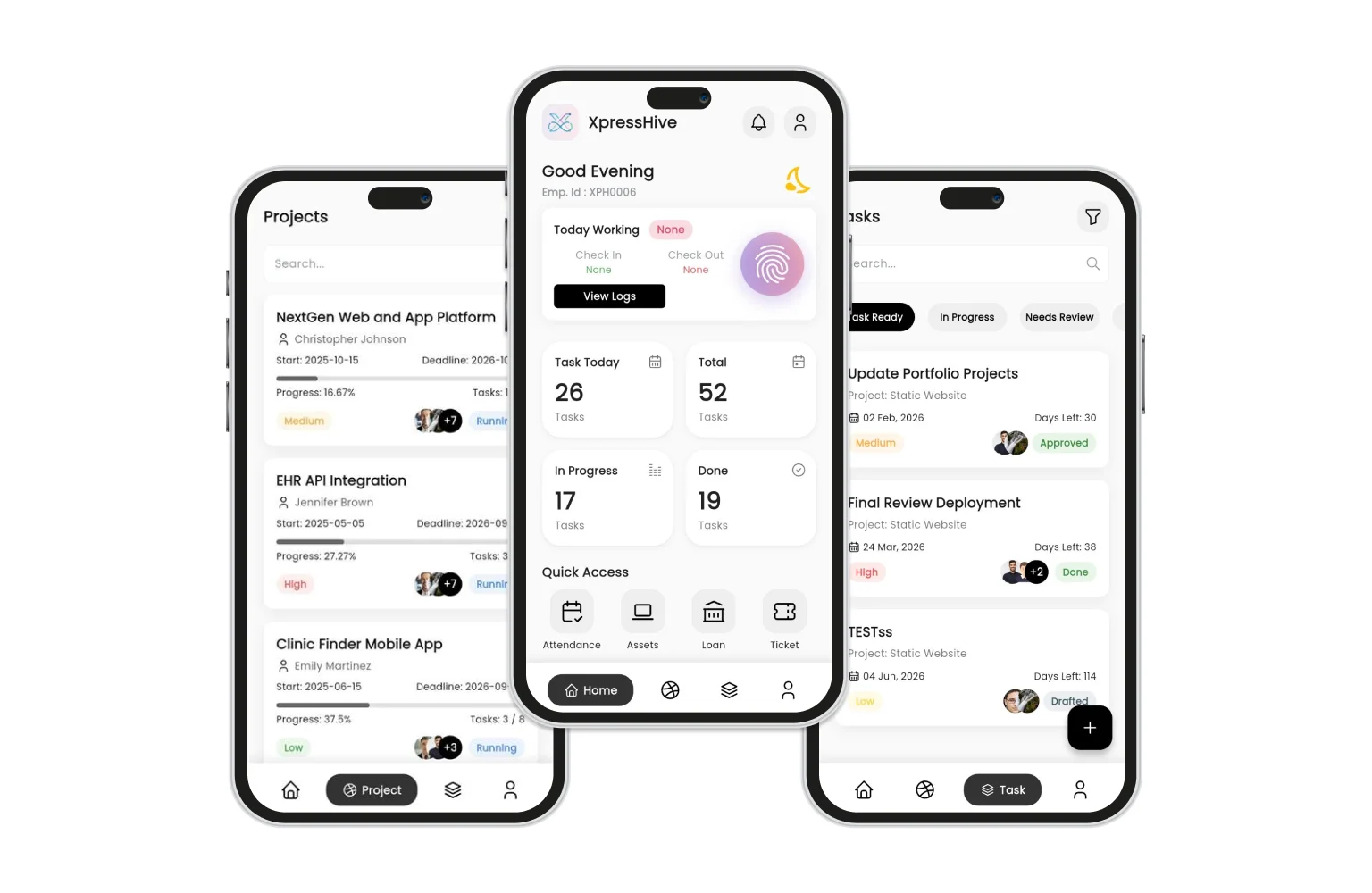
Instead of juggling spreadsheets, physical files, and email threads, an HRMS puts everything in one system that both HR teams and employees can access - usually through a web dashboard and a mobile app. The term is often used interchangeably with HRIS (Human Resource Information System) and HCM (Human Capital Management), though HRMS typically refers to the broadest, most operational version of the three.
Why Businesses Move to HRMS Software:
Most businesses don't wake up one day and decide they need an HRMS. It usually happens gradually, after enough of these problems pile up:
-
Slow Payroll Processing: Payroll takes days because attendance data has to be manually compiled from multiple sources.
-
No Self-Service for Employees: Employees have no way to check their leave balance or download a payslip without emailing HR.
-
Repetitive Onboarding Paperwork: New hires fill out the same information, re-typed into three different systems.
-
No Real-Time Visibility: Nobody has a clear view of who's on leave, who's assigned to what, or how many open positions exist.
Key Features of a Good HRMS:
-
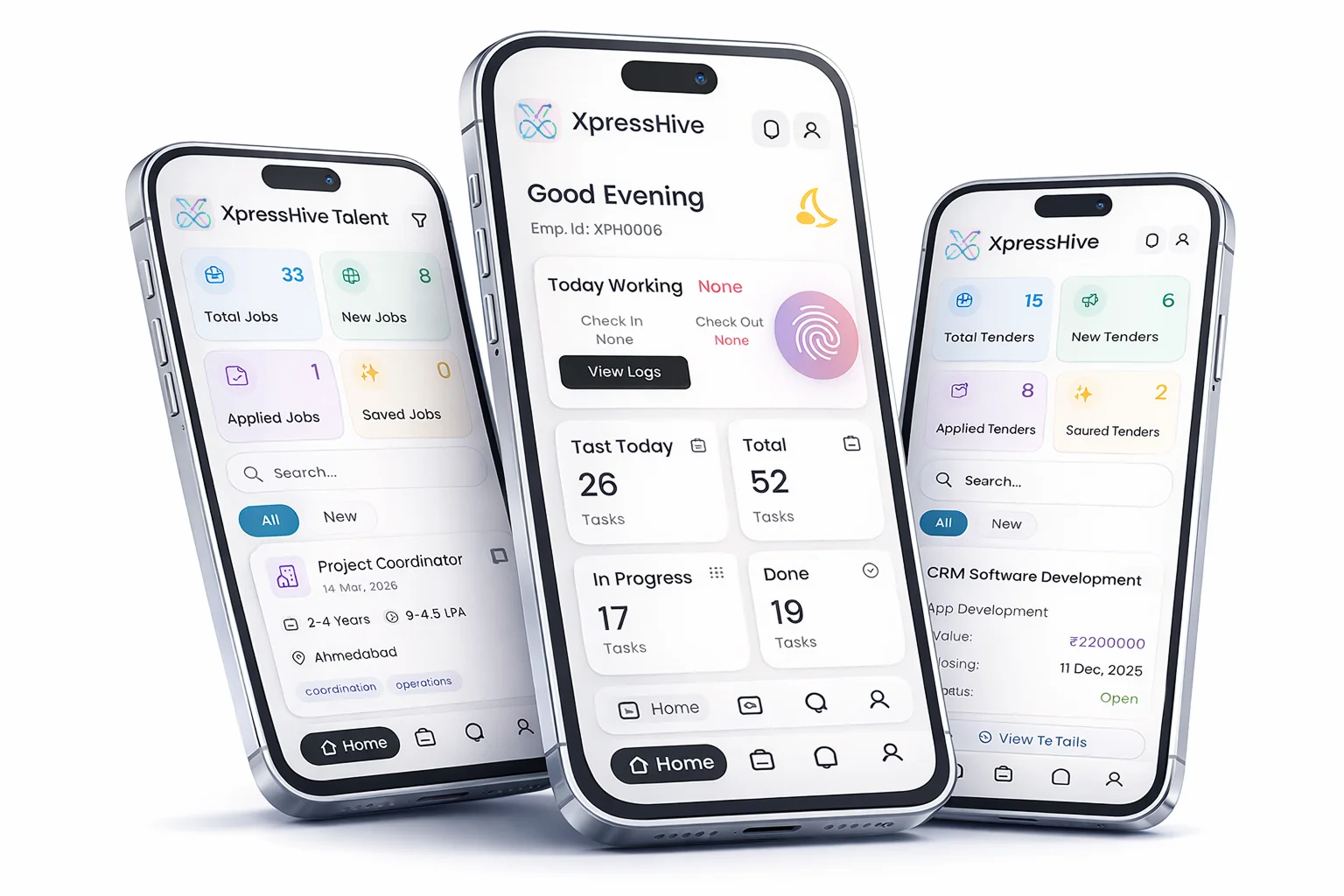
Attendance and Time Tracking: One-tap check-in/check-out, GPS or biometric verification, and automatic attendance logs that feed directly into payroll.
-
Payroll and Payslips: Salaries calculated automatically from attendance, leave, and deductions, with payslips employees can download themselves.
-
Leave Management: Employees apply for leave and track approval status from their phone; managers approve or reject in a tap.
-
Employee Self-Service: Employees update personal details, apply for loans, raise support tickets, and check company policies without going through HR.
-
Recruitment and Onboarding: Job postings, candidate tracking, and interview scheduling built into the same platform.
-
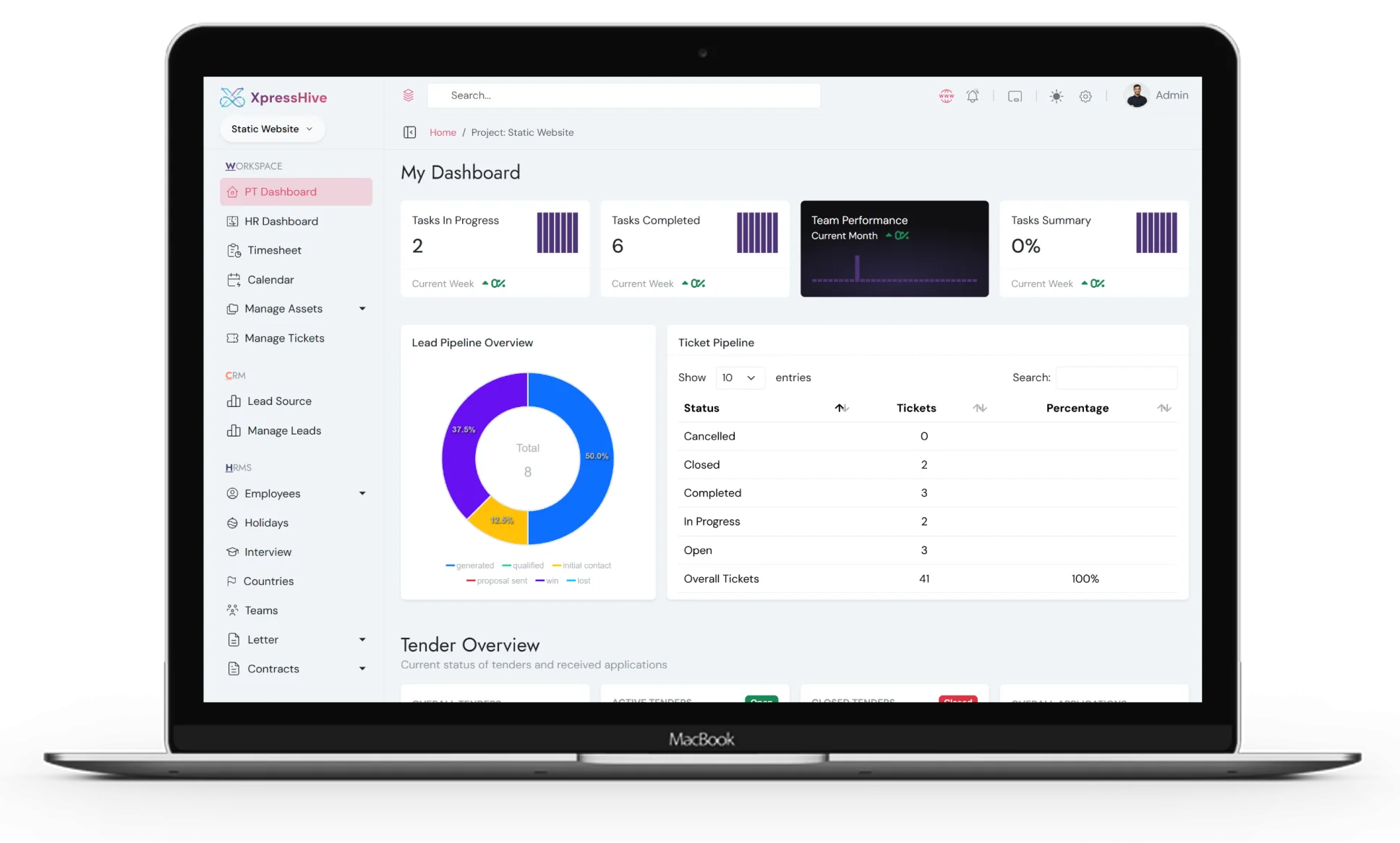
Reports and Analytics: Attendance reports, payroll summaries, and performance data available instantly, without merging spreadsheets manually.
What Most HRMS Software Misses
Here's something rarely mentioned in HRMS guides: most HR software stops at HR. It handles attendance, payroll, and leave well, but the moment your business needs to manage vendors, tenders, or supplier contracts, you're back to a separate tool - usually a spreadsheet or a generic CRM that wasn't built for procurement.
For businesses that regularly work with vendors or bid on tenders - construction companies, IT services firms, agencies, manufacturers - this gap matters. This is exactly the gap XpressHive was built to close. It's an HRMS that also includes a full Vendor Management System and a basic CRM, so HR, recruitment, and vendor/tender operations run from the same admin panel - not three separate ones.
HRMS vs Traditional HR Management: A Feature-by-Feature Comparison
| Area | Traditional (Spreadsheets/Manual) | HRMS Software |
|---|---|---|
| Attendance | Manually logged, often inaccurate | Automated, real-time |
| Payroll | Calculated manually, error-prone | Auto-calculated from attendance and leave data |
| Employee Records | Scattered across files and folders | Centralized, searchable |
| Leave Requests | Email or paper-based | Self-service app, instant approval tracking |
| Reporting | Manual data compilation | Instant reports and dashboards |
| Vendor Management | Usually absent or a separate spreadsheet | Included in platforms like XpressHive |
How to Choose the Right HRMS for Your Business
The right HRMS depends on your business size, industry, and how much of your operation goes beyond basic HR. Here's what actually matters when comparing options.
-
List Your Actual Pain Points First: Don't start by comparing feature lists - start with what's actually broken (slow payroll, no visibility into leave, disconnected vendor tracking) and look for software that solves those specific problems.
-
Check If It Covers Your Full Operation, Not Just HR: If your business deals with recruitment or vendors, look for an HRMS that includes those modules natively, rather than promising "integrations" that often break or cost extra.
-
Decide Between SaaS and Self-Hosted: SaaS HRMS tools charge a recurring monthly fee per user and host your data on their servers. Self-hosted options like XpressHive are a one-time cost, run on your own server, and keep your data fully in your control.
-
Test the Mobile Experience: HR software that only works well on desktop creates friction for field employees and managers who need to approve things on the go.
-
Look at Support and Update History: An HRMS is a long-term investment - check how actively it's maintained and how responsive support is before committing.
Frequently Asked Questions:
-
What does HRMS stand for? HRMS stands for Human Resource Management System - software used to manage HR functions like attendance, payroll, leave, and employee records.
-
Is HRMS the same as payroll software? No. Payroll software only handles salary calculations and payslips. HRMS is broader - it includes payroll as one module alongside attendance, leave management, recruitment, and employee records.
-
Do small businesses need an HRMS? Any business managing more than a handful of employees benefits from an HRMS, since manual tracking becomes error-prone and time-consuming as headcount grows.
-
What's the difference between HRMS and HCM? HCM (Human Capital Management) typically focuses more on strategic workforce planning, while HRMS covers the day-to-day operational side - attendance, payroll, and leave.
-
Can an HRMS also manage vendors and tenders? Most can't - vendor and tender management is usually a separate tool. XpressHive is one of the few platforms that includes vendor management and tender bidding alongside standard HRMS features.
Conclusion
An HRMS isn't just a nice-to-have once your team crosses a certain size - it's the difference between spending your week compiling spreadsheets and actually having time to focus on your people. The key is choosing one that matches how your business actually operates, not just one with the longest feature list.
If your business also deals with recruitment pipelines and vendor or tender management alongside HR, it's worth looking at a platform built to handle all three - which is exactly why we built XpressHive: one HRMS, CRM, and Vendor Management platform, instead of three separate tools that don't talk to each other.